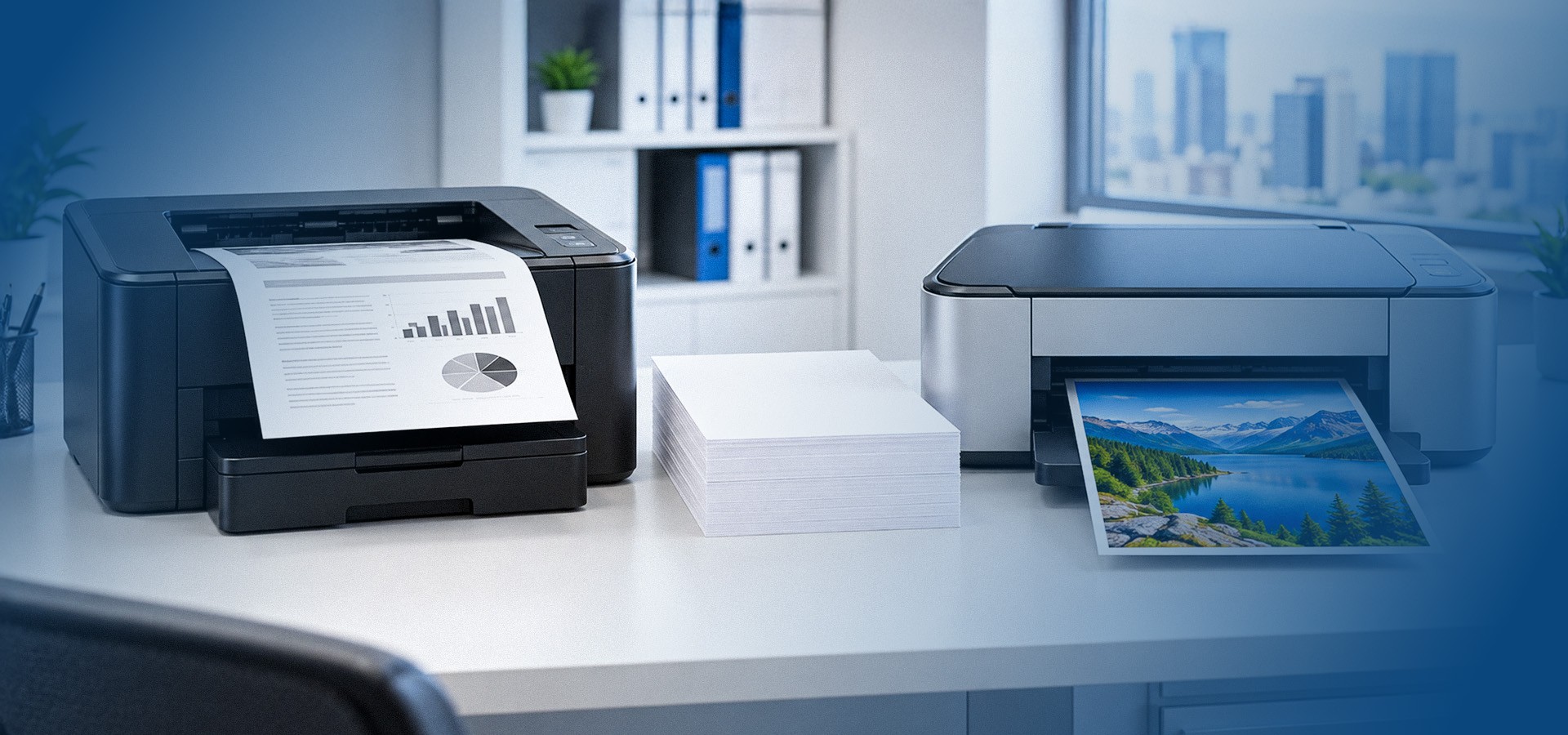
It is widely assumed that standard A4 copy paper reams are universally interchangeable and perform flawlessly across all office printing and copying hardware. While A4 dimensions are globally standardized, the physical and chemical interactions of paper vary fundamentally depending on the printing technology employed; what suits high-heat laser printers may trigger operational issues with liquid inkjet machines. This article examines these nuanced technical differences and explains how to select suitable paper stocks for exceptional output quality.
The Physics of Printing: How A4 Surfaces Interact With Mechanisms
1. Laser Printer Specifications
- High Temperature Endurance: Laser printers rely on thermal fuser units to melt and bond toner powder; this mandates minimal moisture content within the paper to prevent curling or shrinking under heat.
- Uniform Surface Smoothness: A consistent texture assists precise toner fusing, ensuring sharp, crisp text and clean graphics.
2. Inkjet Printer & Copier Demands
- Porosity & Absorption Rate: Inkjet devices eject liquid ink droplets, requiring carefully calibrated porosity to prevent ink feathering or strike-through.
- Optimal Grammage (GSM): Utilizing 80 GSM stocks or higher is recommended to avoid wrinkling when handling dense color graphics.
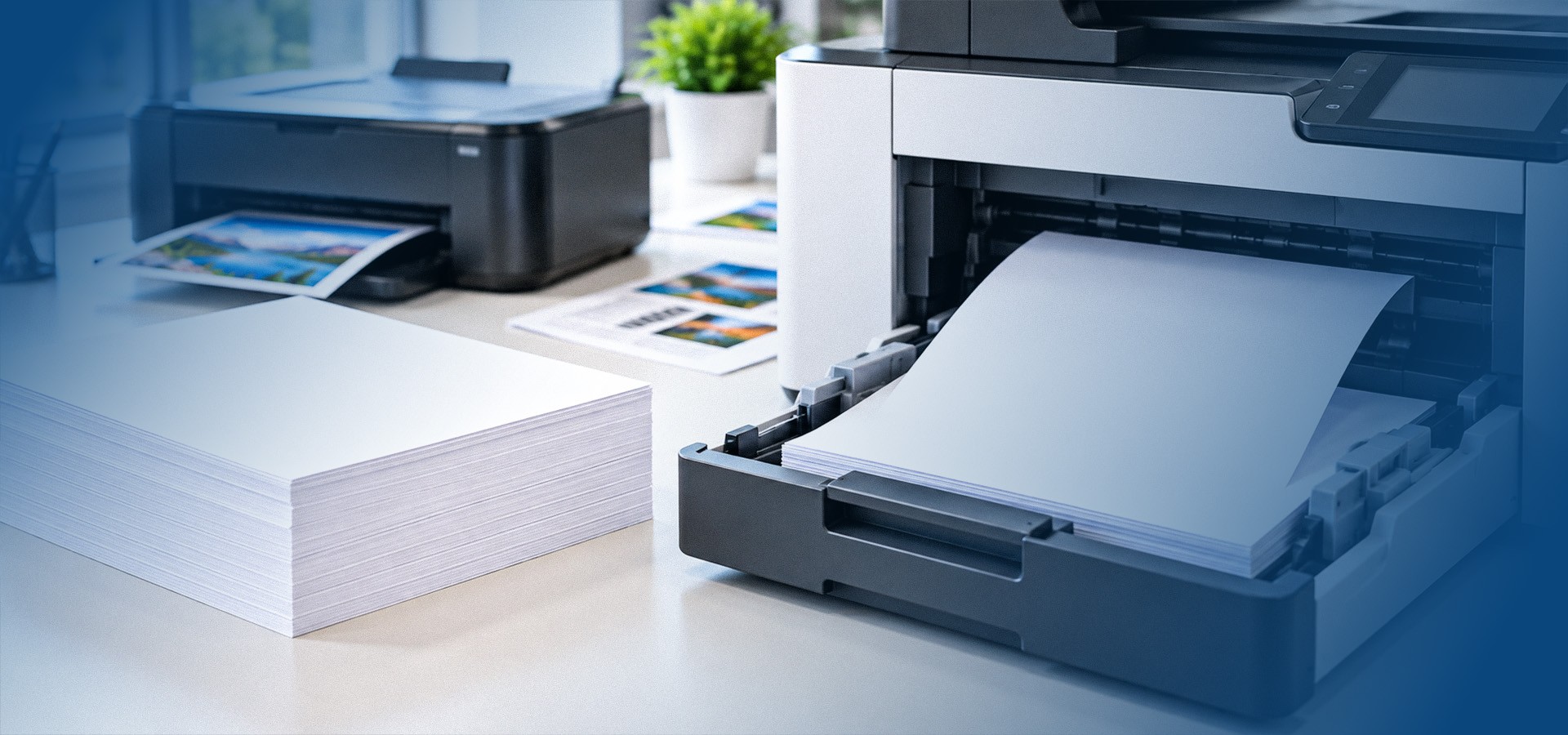
Paper Feeding Mechanics: The Harmony Between Trays and Printer Action
Technical Comparison Matrix: A4 Paper Behavior by Printing Technology
| Properties & Specifications | Laser Printers | Inkjet Printers | Enterprise Copiers |
|---|---|---|---|
| Acceptable Moisture Level | Extremely low (to resist heat and prevent curling) | Balanced to absorb liquid droplets without surface wrinkling | Moderate to handle dual machine heat and pressure |
| Surface Characteristics & Porosity | Ultra-smooth surface for precise dry toner bonding | Calibrated porosity preventing ink spread or smudging | High lint-resistance keeping imaging drums clean |
| Ideal Standard Weight (GSM) | 70 to 90 GSM for general administrative use | 80 to 100 GSM for photos and detailed graphics | 80 GSM ensuring smooth, jam-free feeding |
Negative Consequences of Using Incompatible Paper
1. Frequent Paper Jams
Employing weak-structured or non-heat-resistant paper inside hot laser printers causes sheets to buckle within fuser paths, halting work and necessitating frequent maintenance calls.
2. Ink Fading or Visual Distortions
When printing high-res images on laser-only paper using an inkjet machine, ink can bleed and fail to dry promptly, ruining the professional look of the document.
Quick Guidelines for Selecting the Right A4 Paper
- Review Outer Packaging Data: Verify dual-treatment labeling (Suitable for Laser & Inkjet) ensuring universal operational efficiency.
- Establish Standard Density: Rely on 80 GSM paper as the most balanced baseline standard for daily office and home tasks.
- Secure Dry Storage: Keep reams away from damp environments to prevent sheets from clinging together inside feed trays.
Looking for A4 Paper Engineered for Flawless Compatibility Across All Your Printers?
Contact our specialized team today to explore certified copy paper options guaranteeing clean, jam-free printing at all times.