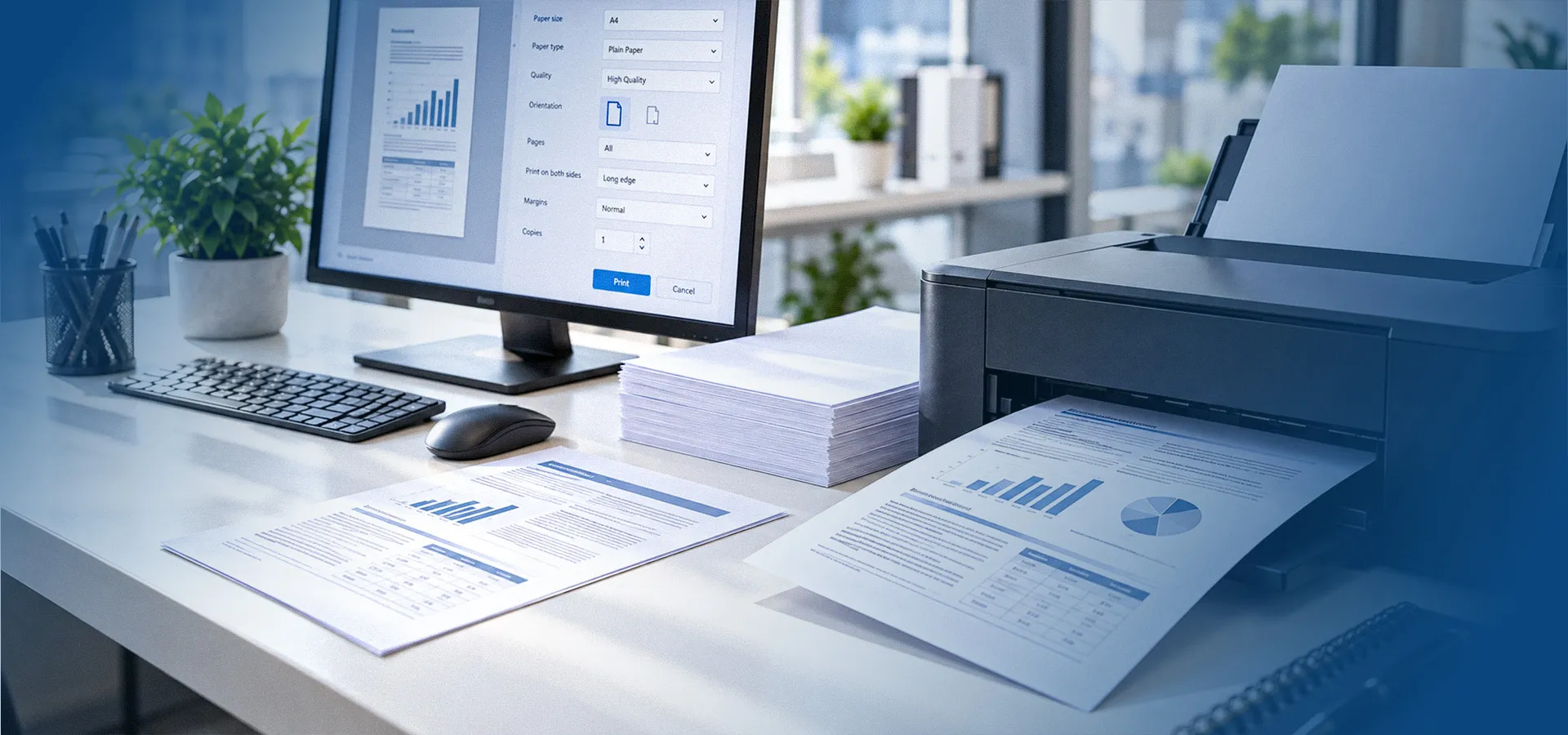
Professional Guide to Printer Configuration: How Operating Options Affect A4 Print Quality
Modern work environments and corporate offices demand meticulous attention to every printed detail; legal contracts and formal agreements leave no room for visual flaws. Often, the secret behind polished files lies in the seamless balance between paper stock quality and digital configuration preferences.
This article explores the optimal ways to leverage best printer settings for A4 paper to guarantee character sharpness, stable color gradients, and an elevated corporate standard.
Core Technical Determinants for Superior Paper Output
To maintain high operational performance standards, you must master the following software variables before dispatching files to print:
1. Media Stock Selection
Configuring paper type (plain or heavy) in the control panel to precisely regulate ink volume and absorption speed.
2. Resolution & Clarity (DPI)
Differentiating between fast draft modes and high-definition profiles to accentuate fine typography and complex charts.
3. Margin Boundary Calibration
Maintaining balanced white space frames that prevent crucial text or layout elements from getting clipped at the borders.
4. Duplex Efficiency
Defining long-edge or short-edge binding preferences to eliminate text inversion errors on the reverse side.
Engineering and Layout for Multi-Page Extended Reports
Financial analyses and data charts require precise content orientation to ensure effortless readability and structure:
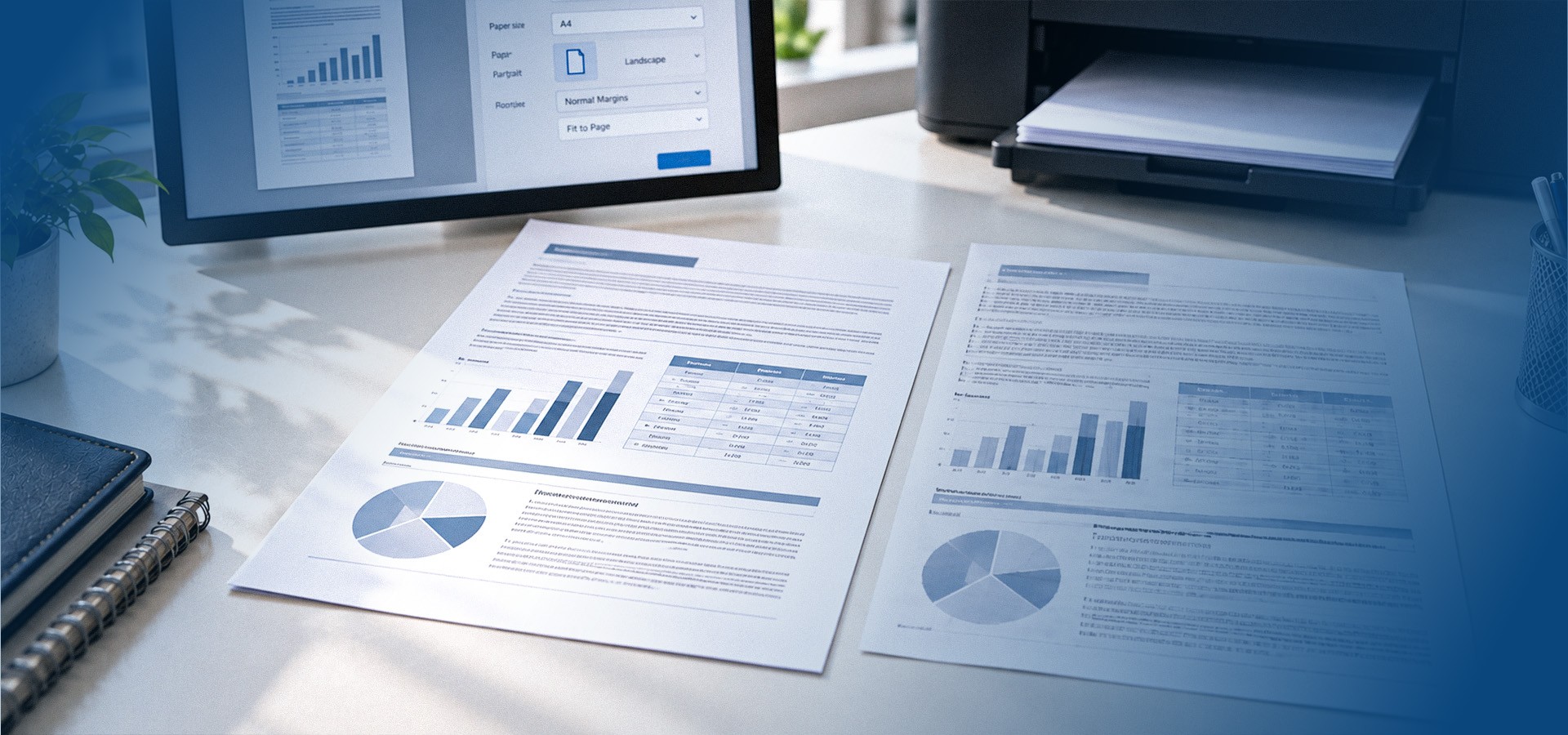
• Traditional Portrait Mode
The standard, reliable choice ideal for daily correspondence, administrative memos, and formal agreements.
• Wide Landscape Mode
Essential for budget spreadsheets, engineering blueprints, and wide analytical presentations.
• Auto-Scaling Calibration
Forcing large documents to adapt smoothly within the actual printable A4 boundary frame without display flaws.
Reference Matrix: Printer Options Impact on Final Output
A detailed breakdown correlating software configurations with printed sheet quality:
| Control Variable | Recommended Setting | Technical & Aesthetic Output Result |
|---|---|---|
| Media Type Option | Premium Plain / Standard | Prevents sheet curling and maintains surface cleanliness. |
| Resolution Level | High Definition / Optimized Standard | Sharpens text edges and secures smooth color gradients. |
| Duplex Printing Mode | Long-Edge Binding | Saves paper inventory while keeping reading flows organized. |
| Page Scaling Control | Match Printable Area | Protects page content from fading along external boundaries. |
Practical Guidelines for Flawless A4 Execution
- Align Digital Dimensions: Always ensure that digital document sizes match the physical tray paper dimensions to avoid scaling errors.
- Manage Toner/Ink Flow: Routinely monitor saturation levels when handling graphic-dense corporate reports.
- Run Test Proofs: Cultivate the habit of printing a single sheet review prior to executing large copy batches.
Thoughtful setup of your printer capabilities directly reflects on your work quality and corporate image.
Enhance Your Office Output Efficiency Today
Apply well-considered technical settings to achieve supreme clarity and professionalism across all your A4 reams.