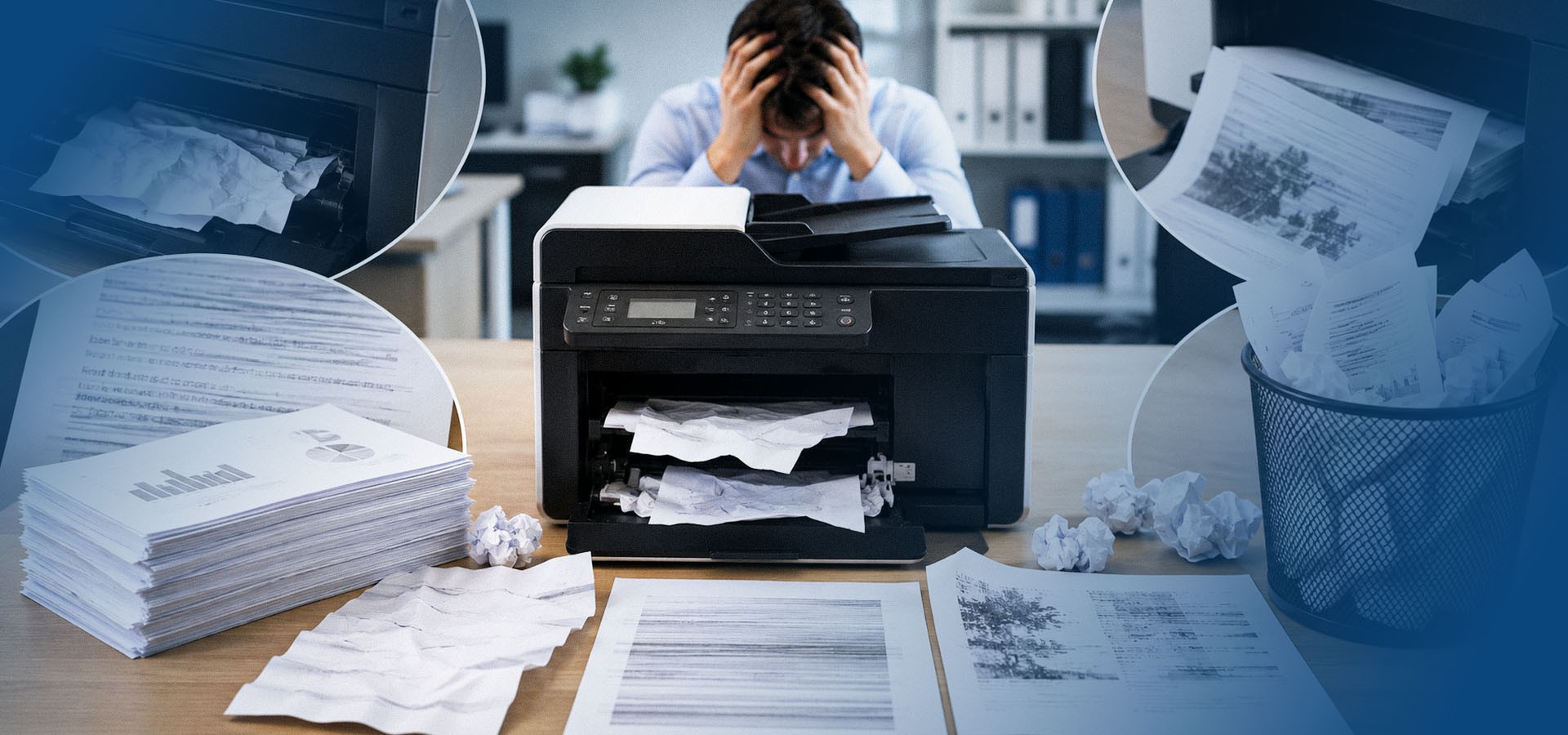
Recurrent copier halts and damaged, streak-ridden documents are among the most persistent drains on workplace productivity. While operators frequently fault the printer mechanics, technical service diagnostics reveal that the majority of feeder jams, multi-sheet pulls, and toner smudging issues originate from substandard paper quality, uncontrolled moisture absorption, or loose cellulose dust. Identifying these core variables helps office administrators prevent hardware wear and eliminate unnecessary operational waste.
Underlying Factors Causing Feeder Halts & Print Defects
Substrate Issues Triggering Mechanical Jams
- Irregular Edge Guillotining: Inaccurate blade shearing produces edge burrs that snag against transport guides and rollers.
- Internal Moisture Imbalance: Trapped humidity flashes into vapor upon contacting hot fusers, causing sheets to curl into delivery sensors.
- Electrostatic Cling: High static charges make pages stick together, forcing feed mechanisms to drag multiple sheets simultaneously.
Material Flaws Causing Toner Streaks & Smudges
- Cellulose Dust Shedding: Loose surface fillers settle on optical sensors and imaging drums, causing faint longitudinal streaks.
- Uneven Surface Texture: Incomplete calendering prevents toner powder from bonding uniformly, leading to smudges upon handling.
- Inadequate Base Substance (<70 GSM): Flimsy sheets lack the structural rigidity required to pass through high-speed roller nips without creasing.
Diagnostic Review: Evaluating Roller Stoppages & Print Blemishes
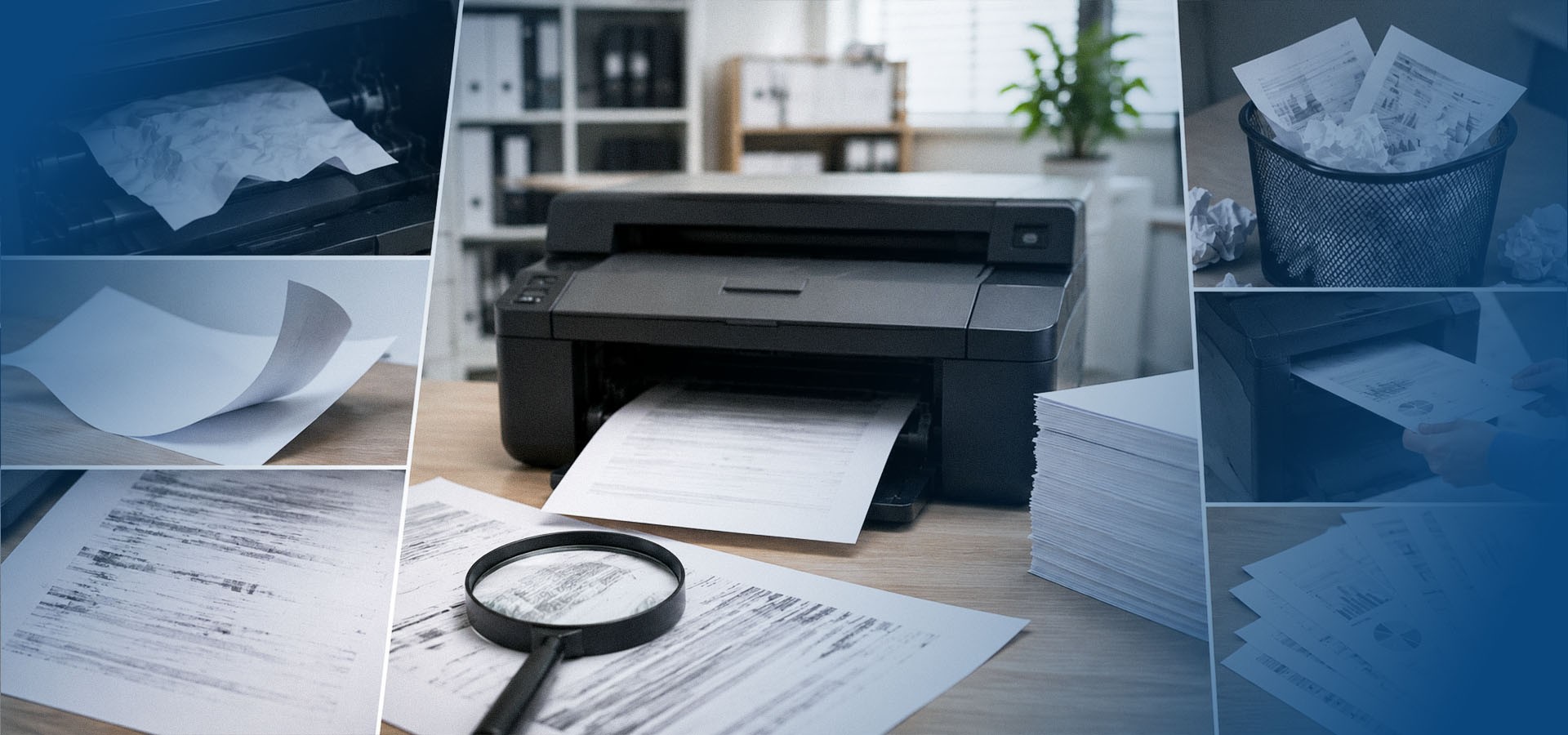
Printer Troubleshooting & Correction Matrix
| Observed Symptom | Probable Mechanical / Material Cause | Recommended Action |
|---|---|---|
| Persistent jamming inside the fuser unit | Moisture absorption leading to extreme post-heat curl | Load fresh stock from sealed wrappers and standardize on 80 GSM paper |
| Multi-sheet feeding (Double Feeding) | Static attraction and edge friction between sheets | Fan and flex the paper ream thoroughly prior to tray loading |
| Repetitive dark lines along the document length | Paper dust buildup on the OPC imaging drum | Clean transport rollers and switch to certified low-dust paper stock |
| Wrinkled or accordioned sheet delivery | Loose tray guides or environmental humidity imbalance | Snug the cassette guides to paper edges and load only daily consumption needs |
Operational Protocols to Minimize Printer Jam Incidents
1. Aerate Paper Reams Prior to Cassette Loading
Gently flex and fan newly opened paper reams before placing them in feeder trays. This breaks electrostatic adhesion and introduces a light air barrier between sheets, allowing pickup rollers to lift individual pages cleanly.
2. Align Feeder Cassette Guides with Precision
Set lateral and end guides snugly against the paper edges without buckling the stack. Loose guides cause skewed feeding that triggers sensor alerts, while overtightened guides pinch the edges and cause immediate pickup failures.
Daily Fleet Maintenance Checklist
- Deploy Precision-Cut, Low-Dust Paper: Ensures uniform sheet dimensions and protects rubber pickup rollers from premature abrasion.
- Avoid Mixing Paper Calipers in a Single Tray: Mixing 70 GSM and 80 GSM sheets confuses automatic feeder calibration.
- Preserve Sealed Barrier Wrapping: Keep unopened reams within their protective poly-lined wrappers until the exact moment of use.
Looking to Eliminate Feed Jams and Improve Document Quality?
Contact our supply specialists to review premium, moisture-shielded A4 copy paper engineered for seamless runnability across all office printers.